 Tiny Desk AI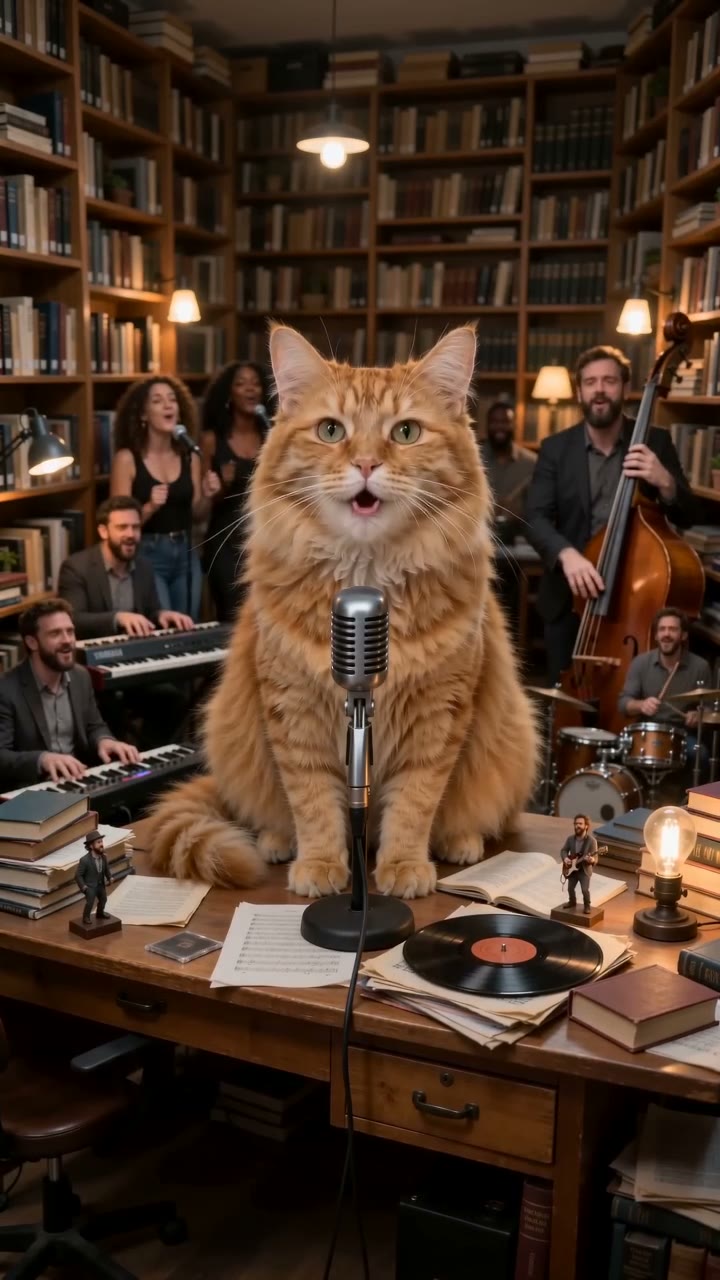
Step 1: Pick a photo
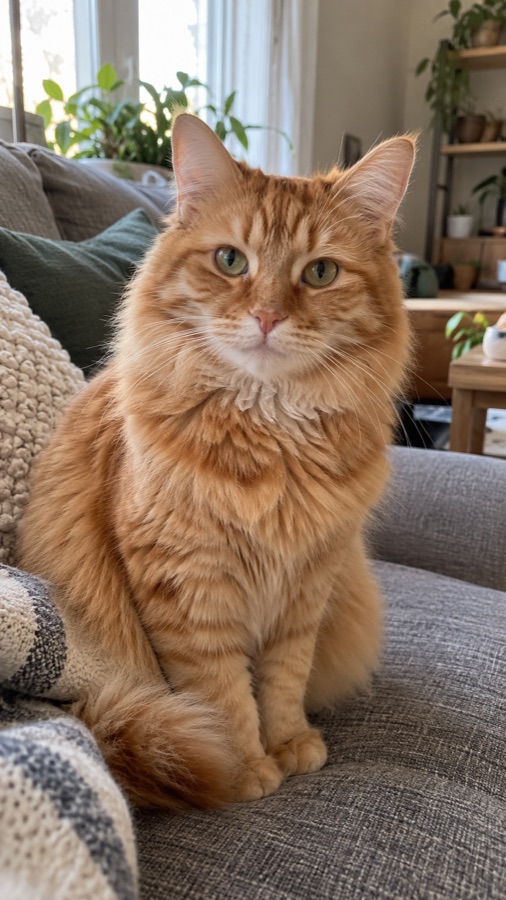
Use one subject with a clear face looking toward the camera, in decent light. A phone snapshot is fine. Skip sunglasses and hands over the face. Add up to 5 photos if you want more people or pets, one in each. Everyone has to be you, an adult who agreed, or your own pet, not a public figure and not a child.
Step 2: Choose a look
Pet keeps your animal's face and markings and puts it behind the mic. Cartoon turns a person into a warm animated character. Realistic keeps the person's face and outfit. Then choose vertical for TikTok and Reels, or wide for YouTube.
Step 3: Pay and wait about 4 minutes
Sign in with Google and pay once through PayPal: $4.99 for one video. Your photo and choices stay put while you sign in. Not sure? See the free preview image first. You can close the page while it's working; we'll email you when it's done.
Step 4: Download and post
You get a 720p MP4 with an AI-original song, plus a silent copy. On a computer, scan the QR code to save it to your phone. On TikTok, turn on the AI-generated label. Post it as it is, or take the silent copy and tap Add sound to use another song.
If it doesn't look right
Try a sharper photo with the face bigger in the frame. That fixes most problems. Still not happy? Email us and we'll refund you. If a video fails, it doesn't count.