 Tiny Desk AI
Short answer
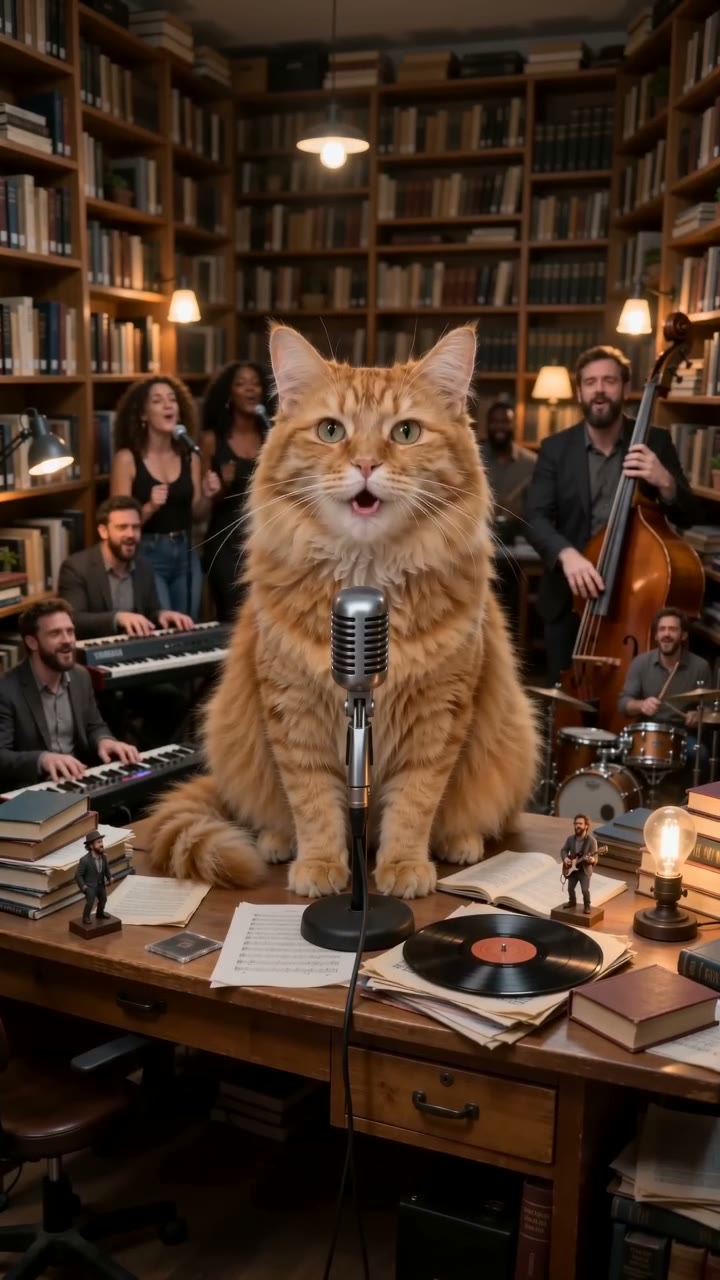
Making Tiny Desk AI without CapCut means skipping the editing step entirely: the video is generated from your photo, with the desk, the band and an AI-original song already in it. You download a finished MP4 and post it.
What CapCut templates do, and what they don't
A CapCut template edits footage you already have: cuts, text, zooms, a sound. For Tiny Desk AI you'd still need a clip of you or your pet singing at a desk. A photo-to-video tool makes that clip itself.
Compared
| CapCut template | This site | |
|---|---|---|
| Starts from | A video you filmed | One photo |
| Pet version | Only if your pet will sit and sing on camera | Yes, from a pet photo |
| Sound | The template's sound | AI-original song plus a silent copy |
| Cost | Free (some templates need Pro) | $4.99 for 1 video, paid once |
| Time | Filming plus editing | A few minutes |
Step 1: Pick a photo
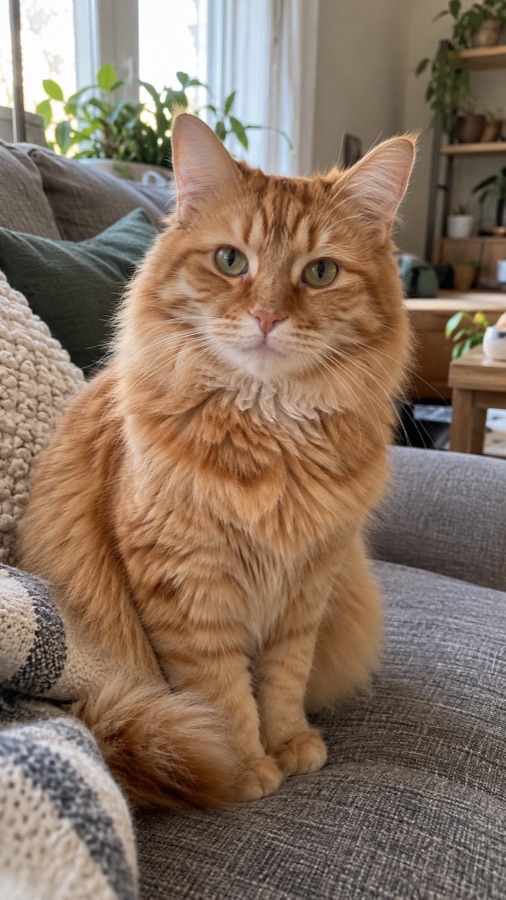
One subject with a clear face toward the camera. Up to 5 photos for a group, one each.
Step 2: Choose a look
Pet, Cartoon or Realistic, then vertical for TikTok and Reels or wide for YouTube.
Step 3: Pay once and download
$4.99 for one 15-second 720p video (see pricing). Download it with the song, or the silent copy to add another sound in TikTok.
Can I still edit it afterwards?
Yes. It's a normal MP4, so you can drop it into CapCut, TikTok or any editor if you want text or effects. You just don't have to.
Captions and hashtags
Hashtags people use: #tinydesk #tinydeskai #outstanding #aivideo #catsoftiktok #fyp. Caption ideas: "my cat's first desk concert", "he's been practicing", "nobody asked, but here's the set".